FAQ: Frequently Asked Questions about Aelo
Frequently asked questions about Aelo: how much does it cost, what are AeloCoins, which AI models do we measure, do we publish content, and what…
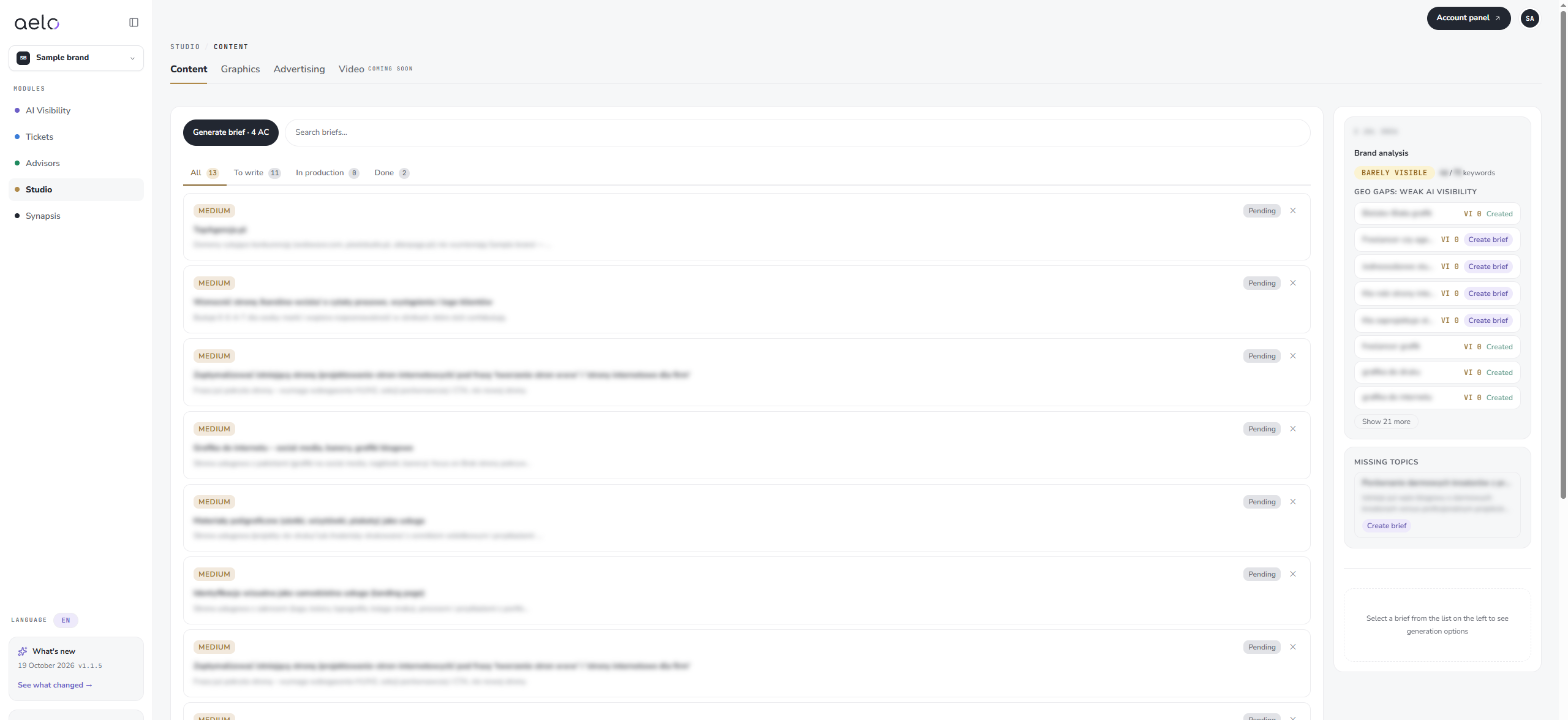
Studio helps you prepare content that has a chance of getting into AI chat answers. You work on briefs: each brief is a topic with a rationale, and from a brief you generate ready text in a chosen style and tone.
At the top there are the tabs Content, Graphics and Advertising. The Video tab, however, is marked as coming soon. This article describes the ‘Content’ tab.
On the left there is a list of briefs. Each has a priority (for example MEDIUM or HIGH) and a status, for example Pending or Done. Above the list you filter the briefs: All, To write, In production and Done. What’s more, the search engine helps you find a specific topic.
You can create a new brief in several ways:
Content gaps These are phrases in which AI chatbots do not yet mention your brand. That’s why they’re a good starting point for new content.
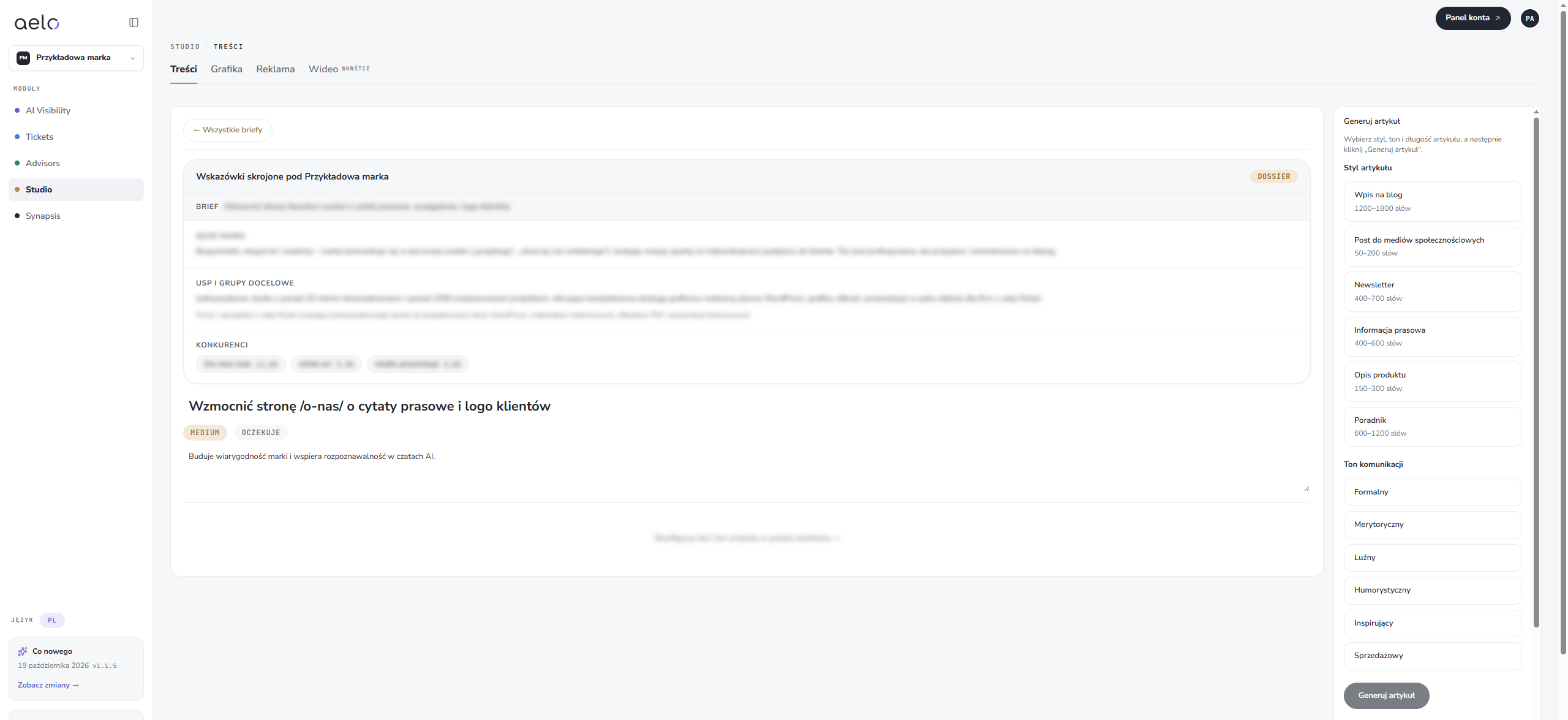
The style decides the form and length of the text:
You can choose from six different tones of communication: formal, factual, casual, humorous, inspiring and sales-oriented. However, it is best to match it to the tone of voice as set out in Brand identity.
Studio writes in the brand's primary language, set in Brand identity. Finished content also goes to Synapsis, so the advisors and later reports know what has already been created. For advice on writing text that AI will want to cite, ask Aelo Strategist in the Advisors module.
Choose your tone primarily based on where the content will be published. A press release usually calls for a formal or factual tone, whilst a social media post can be more informal.
AI chatbots are more likely to quote websites that provide specific facts: figures, prices, the scope of services, definitions and answers to questions. That’s why, once the text has been generated, it’s worth reviewing it and adding information that only your company knows: examples, results and project names. You can read more about the differences between writing for search engines and for AI chatbots in the article SEO, GEO and AEO: the differences.
You’ll find completed briefs in the ‘Completed’ filter. To delete a brief you no longer need, simply click the cross next to it.
From GEO gaps and missing topics in Brand analysis, from tasks in Tickets and from the Generate brief button.
It depends on the style: for example a blog post has 1200–1800 words, and a social media post 50–200 words.
Yes. You can correct the title and description of the brief after opening it, before clicking Generate article.
In the brand's primary language set in Brand identity.
Usually a press release. For directories and profiles a shorter text in the product description style is enough.
Yes, and it is worth doing. Add your own examples and facts that only your company knows. AI chats are more likely to cite such content.
Didn't find the answer to your question? Visit Aelo Help or write to kontakt@aeloapp.io.